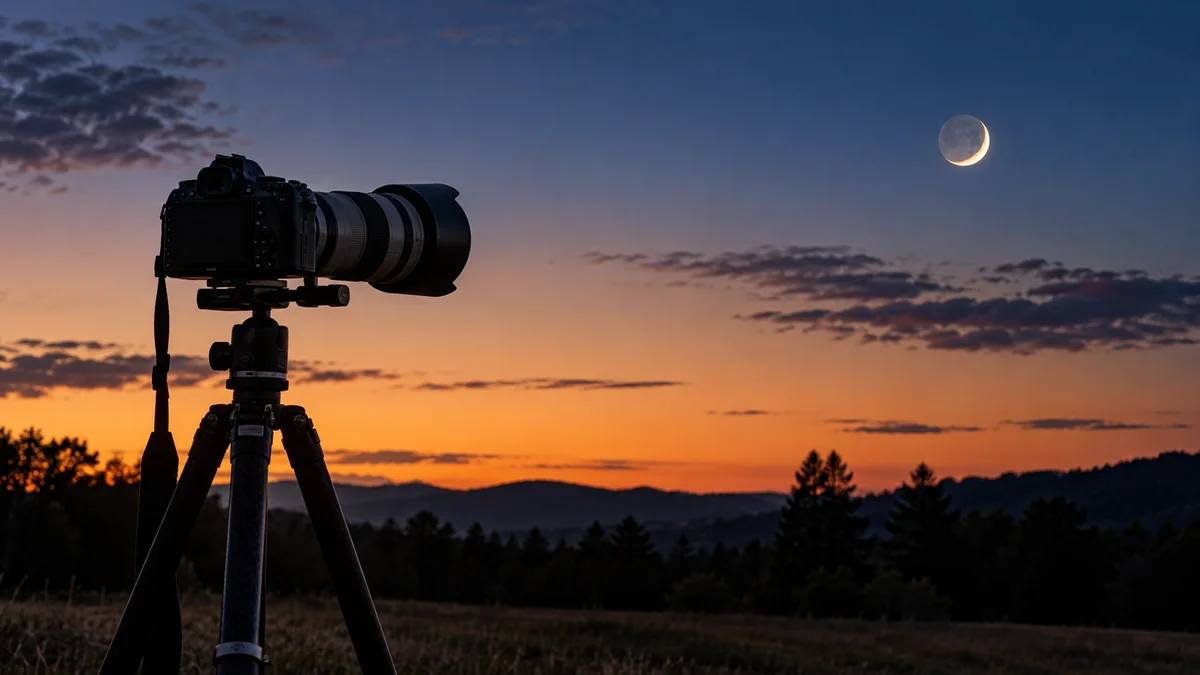
A Moon photo can be a close view of lunar detail or a landscape with the Moon as one element. Those are different pictures with different timing and exposure needs. Decide which one you want before choosing a date or driving to a viewpoint.
Choose a phase for the picture, not only a full Moon
The full Moon is an obvious subject, but other phases offer different illuminated shapes and shadows. NASA’s lunar photography guide discusses several approaches rather than presenting one phase or camera as the only option.
For a landscape composition, inspect when the Moon will be above the horizon and whether it sits in the direction of your foreground. A phase percentage by itself does not tell you when it rises, where it will appear or whether the viewpoint has a clear line of sight. A faint-sky observing plan that avoids Moonlight is therefore different from a plan that deliberately includes the Moon.
Scout the foreground and direction
Light Pollution Map includes Moon phases and Moon-position planning. Use those tools to investigate a location and date, then check trees, buildings and terrain in person. Save the actual viewpoint rather than a broad park name.
Try a recognizable foreground with room for the Moon to move through the frame. A ridge can hide a rising Moon after the calculated horizon event, so arrive early and do not make a one-minute alignment your only chance. Keep a wider alternative in mind if the intended foreground does not work.
Control brightness before chasing more zoom
On a phone, tap to focus and adjust exposure if the device allows it. NASA recommends reducing excessive brightness so the Moon does not become a featureless white patch, and notes that optical and digital zoom behave differently. Twilight can also make the contrast between sky and Moon easier for a phone to handle.
With a camera, take a test exposure and inspect lunar detail rather than trusting the overall brightness of the display. If the foreground is important, compare its exposure with the Moon’s. One frame may not preserve everything you want. If you combine separate exposures later, explain that honestly when presenting the result.
Check sharpness and conditions
Use a stable support and avoid unnecessary vibration while making the exposure. Review focus at an enlarged view if available. A wavering lunar edge can also reflect atmospheric conditions; our seeing and transparency guide explains why a clear forecast does not guarantee fine detail.
For example, you might plan a Moon-and-building scene during twilight instead of trying to expose the same scene much later against a black sky. That is a starting experiment, not a promise that twilight always gives better results. Compare a few frames as the brightness changes and keep the composition simple.
- Choose close lunar detail or a landscape composition.
- Check phase, timing and direction for the actual date.
- Scout access and obstructions before the event.
- Test exposure and focus, then adjust using the image.
Questions about photographing the Moon
Must I drive to a very dark site?
Not necessarily for a bright lunar subject. Choose a site for the composition and conditions. Dark-sky scouting becomes more important when faint stars are also part of the goal.
Does more phone zoom always reveal more detail?
No. Digital enlargement may mainly crop the image. Test your device’s result before relying on a very tight crop.
Explore Light Pollution Map on Google Play or Light Pollution Map on the App Store for current platform features and purchase options.