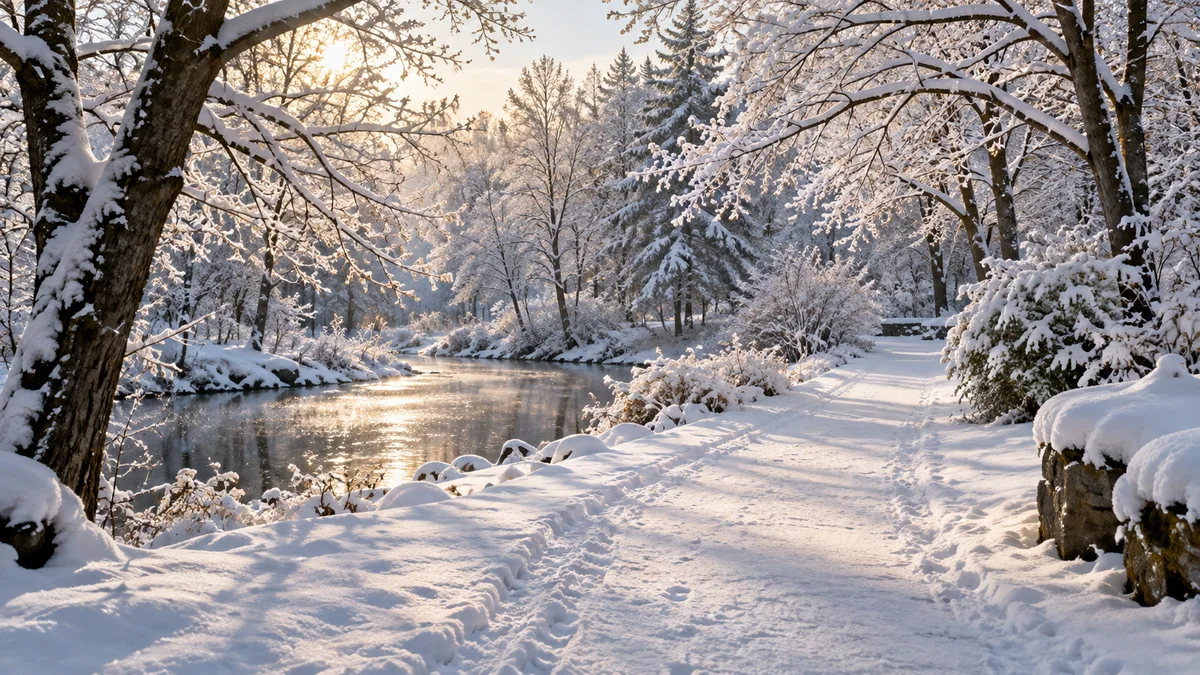
Snow can simplify a landscape, emphasize tracks and reflect a great deal of light. It also changes the outing: access, temperature, wind and equipment care can become as important as the composition. Start with a manageable session rather than a complicated trip built around one attractive forecast symbol.
Choose the moment and the subject
Decide whether you want falling snow, an untouched surface, patterned tracks or light crossing an already snowy scene. Those goals call for different timing. A forecast for snowfall does not tell you whether your chosen foreground will remain undisturbed or accessible when you arrive.
Check conditions for the shooting hours and the journey back. Select a viewpoint you can use without relying on uncertain ice or an unverified route. Keep an accessible alternative so the trip does not require reaching the farthest planned location to be worthwhile.
Review exposure instead of applying a fixed correction
Bright snow can produce an exposure that differs from the result you intended. Nikon’s cold-weather photography guide suggests inspecting the image and using exposure compensation when needed. Do not add the same correction to every snowy scene regardless of light or metering.
Take a test frame and check important highlights. Increase exposure if snow is unnecessarily gray, but preserve detail where it matters. If the image includes a bright sky and a darker foreground, inspect both rather than judging the whole frame from a small preview.
Decide what color should look natural
Snow can look different under direct light, cloud or open shade. Choose a white-balance approach that suits the scene and your intended interpretation. If you shoot a supported raw format, it gives you flexibility later, but it is still useful to review the color during the session.
Look for a simple shape before filling the frame with a large white area. Side light can reveal texture, while a more diffuse sky may suit clean patterns. A small set of test images from slightly different positions can reveal which treatment works without requiring a long walk in changing weather.
Use Fotocast for a short, specific weather plan
Fotocast’s photography forecasts, daylight phases and session manager help organize the outing. Use weather and light timing to choose the window, then adapt Fotoscore and forecast information to your actual subject. The app is not a certification of road, path or ice conditions.
Prepare the return indoors as well. Nikon’s product-care guidance discusses temperature transitions and reduced battery performance in cold conditions. Use your own model’s operating limits and read our condensation planning guide before treating the warm room as the end of equipment care.
A simple winter-session checklist
- Choose one accessible subject and an alternative.
- Check temperature, wind, precipitation and the return window.
- Prepare camera care for both outdoors and indoors.
- Make test frames for snow brightness and color.
- Stop or shorten the session when conditions no longer suit the plan.
Questions about snow photography
Should every snow image be completely white?
No. Preserve useful texture and the light’s character. Correct unwanted exposure or color problems without removing the tonal differences that describe the scene.
Is sunrise automatically the best time?
The subject and conditions determine the choice. Compare light direction and weather instead of assuming one time suits every snowy composition.
Explore Fotocast on Google Play or Fotocast on the App Store for current platform features and purchase options.