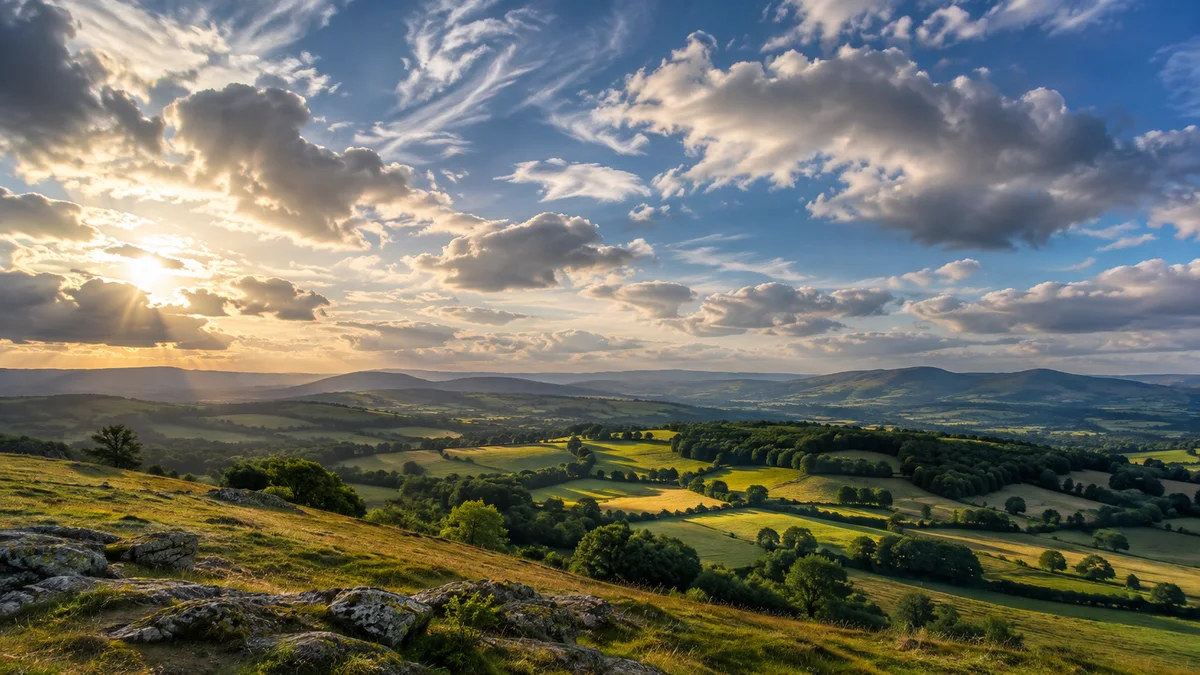
Cloud cover is useful, but a percentage is not a lighting diagram. A sky that is mostly covered in thin cloud can look different from one with the same broad amount of thick cloud. Read the number as one part of a photography plan, then inspect the scene and the relevant time window.
Understand what the sky-cover description represents
Cloud amount describes how much of the sky is covered, rather than how long rain will last or how attractive the sky will look. The National Weather Service’s forecast terminology distinguishes sky-condition language from precipitation probability. Do not interchange the two.
Look at the forecast period as well as the label. A daily “partly cloudy” summary can describe a broad pattern while your planned hour has a different view. Select the shooting location, not merely the nearest large town, and check when the forecast was updated.
Cloud type and thickness change the light
The NWS cloud classification guide distinguishes high, middle and low cloud forms. For a photo outing, the useful question is how the actual clouds affect the subject: diffuse illumination, patchy direct light, a textured background or a blocked horizon.
A thin veil and a dense low layer need different exposure and composition decisions. If the forecast offers layer information, use it to form a hypothesis, then test the light when you arrive. Do not turn a certain cloud percentage into a universal “best photography” threshold.
Match cloud information to the subject
For a portrait, ask whether the light on the face stays reasonably consistent. For a landscape, ask whether changing gaps create the side light you want. For a sky-led image, inspect the cloud pattern in the frame, not just overhead. A single condition can be useful for one subject and inconvenient for another.
Fotocast’s photography-focused forecasts and Fotoscore help organize weather information around a shooting plan. Use the forecast as context for your subject-specific decision. Fotoscore is another planning input, not a substitute for inspecting the actual light or reading the time window.
Prepare a decision for each outcome
For example, plan a woodland portrait if cloud keeps the light soft, and a nearby open-view landscape if usable gaps develop. Choose those options in advance so you can react without needing another long journey. The example describes a flexible session, not a forecast that cloud will behave in that order.
- Set the correct location and session hours.
- Separate cloud amount from rain probability.
- Investigate layers or cloud type when available.
- Decide what each lighting outcome means for the subject.
- Recheck the scene, exposure and schedule on arrival.
Questions about cloud forecasts
Does 80% cloud cover mean an 80% chance of rain?
No. Sky cover and precipitation probability describe different quantities. Read each field’s meaning before combining them in a decision.
Can cloud cover alone predict a colorful sunset?
No. The arrangement and illumination of clouds also matter. Use SkyCandy’s sunrise and sunset quality forecasts for that separate planning question, and read our sunset-weather guide for context.
Explore Fotocast on Google Play or Fotocast on the App Store for current platform features and purchase options.